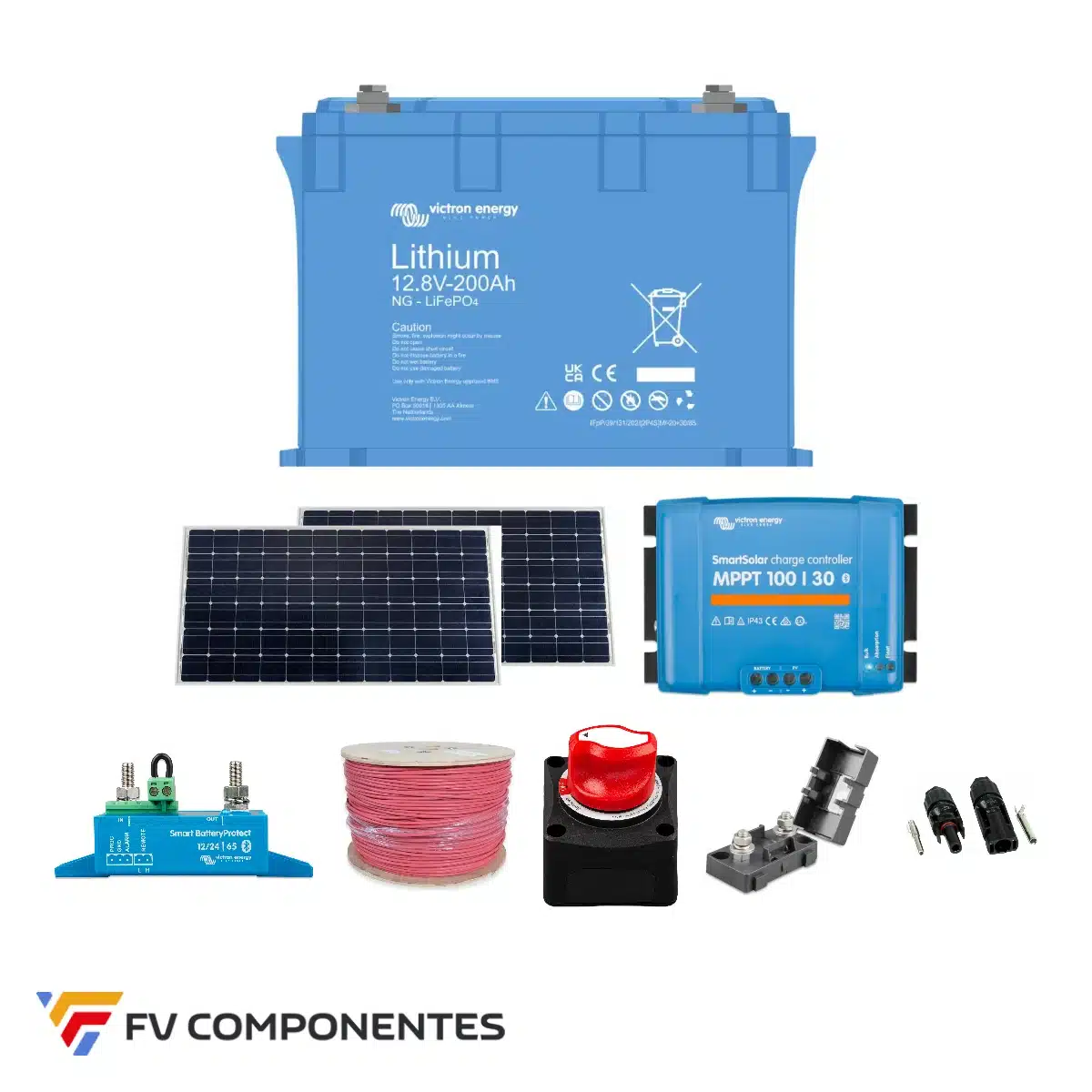
DVCC (Distributed Voltage and Current Control) is the function of the GX device that converts a set of Victron equipment (MultiPlus, MPPT, chargers) into a single, coordinated loading system. With DVCC, the GX receives commands from the battery management system (or the limits you set) and distributes them amongst all the chargers. Without DVCC, each unit charges independently according to its own settings.
What exactly does it do?
- Set a maximum load voltage shared for the inverter and MPPT.
- Hand out a maximum charging current total across all chargers.
- Share the battery voltage, temperature and current measurement (SVS, STS, SCS) so that they all contain the same data.
- With managed batteries (Pylontech, Pytes, ZYC, BYD, Lynx BMS), it applies the limits sent by the BMS: CCL (maximum charging current), DCL (maximum discharging current) and CVL (charging voltage).
When is it compulsory?
- Provided the battery has BMS with CAN communication. When the battery is detected, the GX automatically activates DVCC and locks certain options.
- In ESS systems with MPPT.
- Whenever you wish to limit the total charging current (for example, to ensure you do not exceed the ampere rating of the battery bank or the wiring).
In small systems without GX, DVCC does not exist: each device is configured separately (VictronConnect).
How to activate it
Settings → DVCC in Cerbo GX:
| Option | Recommended value | Notes |
|---|---|---|
| DVCC | Enabled | With BMS CAN, “Forced enabled” appears” |
| Limiting the charging current | According to the bank (e.g. 100 A for 2 × US5000) | With BMS CAN, the BMS can reduce it but not increase it |
| Limit managed load voltage | Automatic with BMS; manual 52.0 V for 48 V lithium batteries | |
| SVS (shared voltage sensor) | Enabled | The GX uses the most accurate voltage (BMS or SmartShunt) |
| STS (shared temperature sensor) | Enabled | Required for lead temperature compensation |
| SCS (shared-current sensor) | Enabled if SmartShunt/BMV is present | Improves the wake |
| Monitor the BMS | Automatic | Select which BMS to use if there are several |
DVCC with Pylontech, Pytes and ZYC
These batteries transmit CCL/DCL/CVL via CAN. With DVCC:
- The MPPT and the MultiPlus charge to the voltage specified by the BMS (normally 52.4–53.2 V in the absorption phase, switching to the float phase once the cells have equalised).
- If the BMS reduces the CCL to 0 A (high cell, low temperature), everyone The chargers stop. You’ll see “Charging limited by BMS” on the GX. This isn’t a fault.
- The voltage set in VEConfigure and the MPPT acts as a safety limit; you can leave it at 52.0 V.
- Breakdown by battery: Pylontech US5000 y ZYC SIMPO 5000. Pytes operates using the same profile as Pylontech on the GX.
DVCC with non-communicating batteries (lead-acid, lithium with internal BMS)
Also enable DVCC and manually set the current limit and, if you wish, the voltage limit. Add a SmartShunt to achieve true SVS/SCS: without it, the MPPT controllers measure the voltage across their own terminals and undercharge due to the voltage drop across the cable.
Mistakes and confusing behaviour
- #67 BMS connection lost: The GX does not recognise the battery; DVCC stops charging. CAN Type A cable, port at 500 kbit/s. See VE.Bus errors.
- The MPPT displays “Ext. control”: That’s right; it means it’s being controlled by DVCC.
- The MPPT isn’t charging even though the sun is shining: The BMS has set CCL to 0, or the GX’s current limit is set to 0.
- Battery at 100% (%) but the inverter is still drawing power from the mains: It’s not DVCC; it’s the ESS configuration (see ESS step by step).
- Mains charger (Skylla, Blue Smart) is not working: Only chargers connected to the GX via VE.Can/VE.Direct support DVCC.
Firmware
DVCC requires the latest firmware on all devices: MPPT VE.Direct ≥ v1.29, MultiPlus ≥ 4xx, and Venus OS updated. Before opening a support ticket, please update everything via VictronConnect and VRM.
We are authorised Victron Energy installers and provide free technical support for equipment purchased from FV Componentes. If the problem persists, please open a ticket at Technical support including the model, serial number and the link to your VRM installation. You can find diagrams and parameters on our Victron Resource Centre.