How to set up a Victron with ZYC SIMPO 5000 batteries (with and without communication)
Author: David Conesa Albaladejo
Publication date: 8 September 2026
Last updated: 8 September 2026
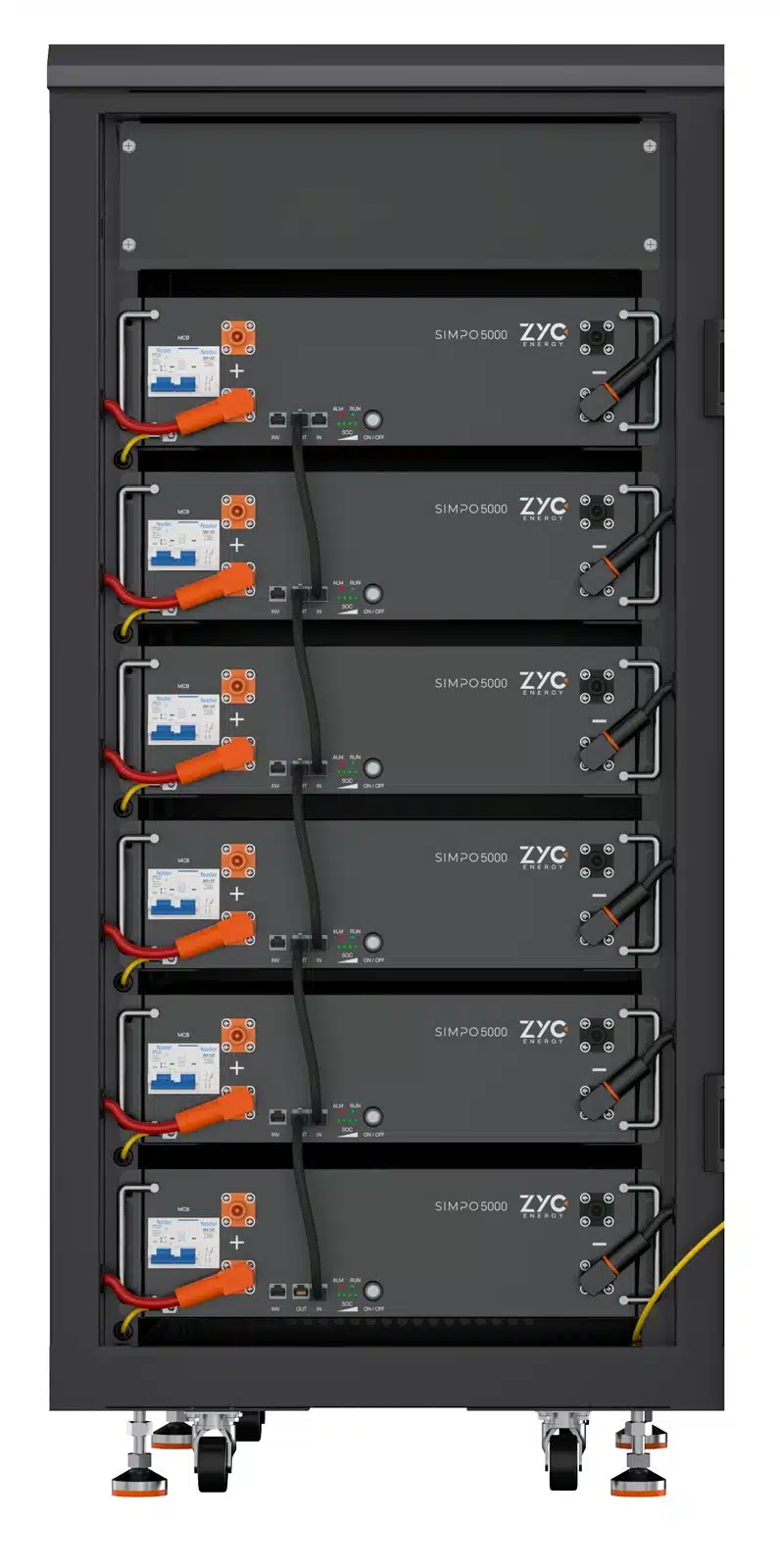
The ZYC SIMPO 5000 batteries They work with Victron in two ways: with CAN communication, which is the recommended option, or no communication, by manually setting the voltages on the inverter. This guide covers both methods, using the manufacturer’s official values.
Option A — with CAN communication (recommended)
With CAN, the battery’s BMS is in charge: it tells the Victron how much current it can handle, what voltage to charge to, and when to stop. This is the setting that prevents any nasty surprises and allows you to see the actual state of charge on the GX and the VRM.
The cable
ZYC recommends the cable VE.Can to CAN bus BMS type A from Victron. If you’re going to connect the cable yourself, here is the pin mapping between the INV port on the master battery and the Victron:
Sign
Pin on the battery (INV)
Pin on Victron
CAN_H
4
7
CAN_L
5
8
The battery’s INV port uses the following pin configuration: pins 4 and 5 for CAN_H and CAN_L, and pins 7 and 8 for RS485B and RS485A. The remaining pins are reserved.
Connection sequence
Connect the communication cable between the master drum kit and the VE.Can port on the GX device or the inverter.
Check that the finishing resistance It is plugged into the OUT port of the last module. This applies to both a single battery and a parallel-connected bank.
Switch on the DC switch between the battery and the inverter, if fitted.
Turn on all the circuit breakers in the modules.
Press the ON/OFF button on the master battery for 1 second.
Switch on the inverter.
The LED RUN A steady light indicates that the battery is operating in communication mode with the inverter.
Option B — no communication
If, for whatever reason, you’re not going to wire up the communication (an old Victron, a standalone MPPT, a separate charger), the SIMPO 5000 works just the same, but You have to set the voltages. These are the official ZYC values for Victron chargers:
Parameter
Value
Absorption voltage
54.4 V
Floating voltage
54.0 V
Maximum load voltage
55.5 V
With these settings, the charger operates within the BMS’s operating window. If you set higher voltages, the BMS will cut off due to cell overvoltage (protection at 3.75 V per cell) and the system will shut down.
How to enable offline mode
The battery starts up always in communication mode by default. To switch to offline mode, with the battery switched on, do the following: double-click the ON/OFF button: the SOC indicators will flash twice to confirm the change.
The BMS remembers the mode, so there is no need to repeat this at every start-up. And as soon as it detects that the communication cable to the inverter is connected, it will automatically return to communication mode. In this mode, the RUN LED flashes slowly (on for 1.5 seconds, off for 1.5 seconds).
How many batteries does your Victron need?
Before configuring anything, make sure that the battery bank has sufficient capacity to meet the current draw of the inverter. A MultiPlus-II 48/5000 in an off-grid installation requires at least 2 modules; a Quattro 48/15000 isolated three-phase unit, 12. You can find the full table at How many ZYC SIMPO 5000 batteries do I need, depending on my inverter?.
Monitoring and firmware updates
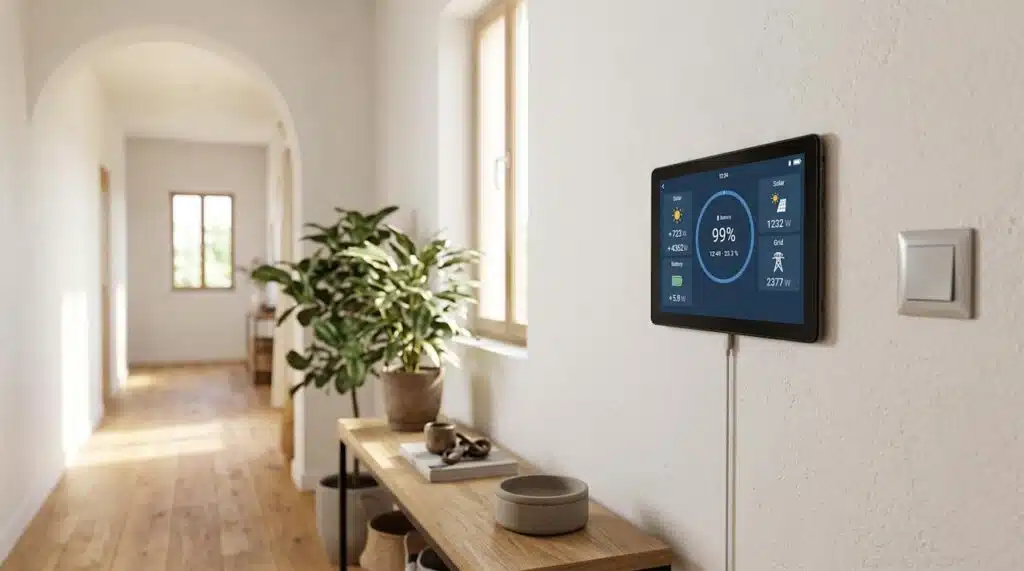
With the SIMPO WiFi module You can check the status of the battery bank remotely via the ZYC Portal or the ZYC Assist app, and update the firmware. The dongle connects to the IN port on the master battery and links to the router via an Ethernet cable or Wi-Fi.
If you’re using a Victron GX, the battery’s firmware can also be updated from VRM: Download the file from the ZYC portal, upload it via the “ZYC battery” device entry in the device list, and the system will take care of the rest.
Remote firmware update via VRM
This is the feature that has caught our attention the most and is the least talked about. The SIMPO 5000’s firmware It can be updated remotely via the Victron VRM portal: Download the file from the ZYC Portal, go to the system’s device list, search for “ZYC battery”, upload the file, and the system will take care of the rest.
For those who maintain third-party installations, this changes the economics of after-sales service: a firmware update no longer requires a call-out. And in remote mountain locations, that call-out takes half a day and a tank of diesel.
No communication hub for the parallel port
The modules automatically assign master and slave roles amongst themselves. There is no need for an external management device, additional cabling or extra costs: they are connected in a daisy chain and the system organises itself. This is one of the reasons why the bank is up and running in minutes, without a laptop or an app.
Pre-wired cabinet: DC busbar, fuse holders and communication cabling fitted at the factory.
Cabinet designed for the Victron RS19
ZYC manufactures a cabinet designed to integrate the Victron RS19 and the GX monitor in the same cabinet, with the DC busbar, fuse holder and wiring factory-fitted. It covers 6 to 18 kVA and 10 to 46 kWh of battery capacity. If you regularly install Victron equipment, do ask us about this configuration.
Coming out of the cupboards
The 6-door cupboards y 10 units they have a DC busbar sized for 600 A and 1,000 A output, respectively, with an integrated fuse box. This avoids the need to fit a separate distribution board until several cabinets are required.
Common mistakes
Forget about the finishing resistance on the OUT port of the last module: communication is not established and the bank does not appear in the GX.
Communication cable over 5 metres long or unshielded: intermittent faults that are difficult to trace.
Clear any residual voltage from another battery in the charger when changing brands. The 54.4 / 54.0 / 55.5 V values are non-negotiable in non-communication mode.
Cables of different lengths between modules: the current is distributed unevenly, and some modules age faster than others.
Do not switch it off from the battery when the system is switched off or there is no power supply.
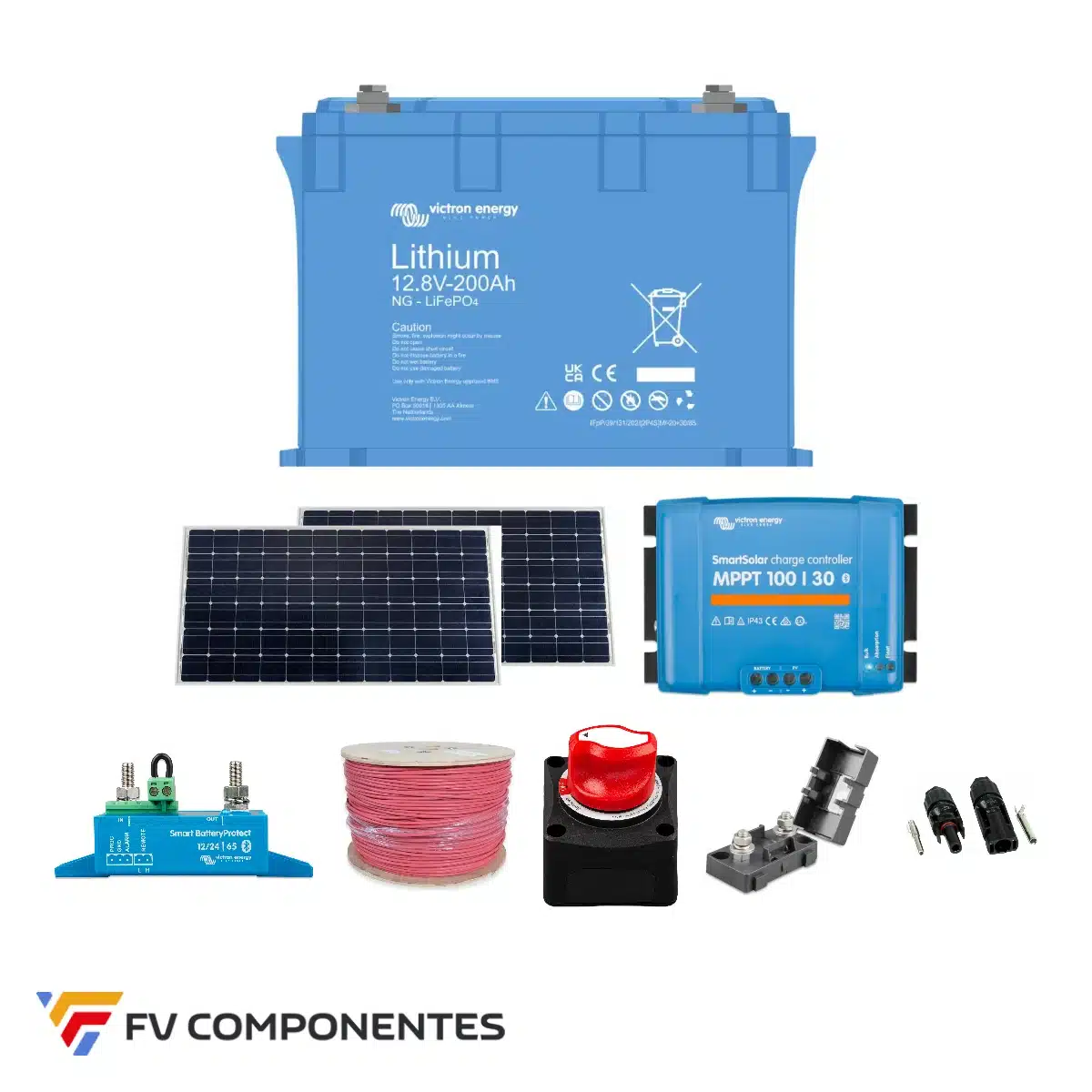
Recommended settings for configuring the Victron and SmartShunt on the VictronConnect with lithium and lead-acid batteries: discharge limit 5%, Peukert 1.05, tail current 4% and above, with a step-by-step video guide.
The Pylontech US are batteries for domestic use. We’ll explain which certifications a vehicle requires (R10, SAE J1455), how vibration affects them, what the warranty covers, and what happens with insurance in the event of a fire.
Do you have an Android tablet or mobile phone gathering dust in a drawer? With the Victron Energy Android GX WiFi Display app, you can turn it into a fixed wireless display for your Cerbo GX, Ekrano GX or any device with GX built-in. Victron has just released version 1.2, which makes the connection more stable, so
A step-by-step guide to powering CCTV cameras using solar energy on farms, construction sites or industrial premises without mains electricity: power consumption, batteries, solar panels, 4G and common pitfalls to avoid.
We use our own and third-party cookies to obtain statistical data on our users' browsing habits, offer personalised marketing and improve our services.
Functional
Always active
The storage or technical access is strictly necessary for the legitimate purpose of enabling the use of a specific service explicitly requested by the subscriber or user, or for the sole purpose of carrying out the transmission of a communication over an electronic communications network.
Preferences
The technical storage or access is necessary for the legitimate purpose of storing unsolicited preferences of the subscriber or user.
Statistics
Technical storage or access that is used exclusively for statistical purposes.Technical storage or access that is used exclusively for anonymous statistical purposes. Without a request, voluntary compliance by your Internet Service Provider, or additional records from a third party, information stored or retrieved solely for this purpose cannot be used to identify you.
Marketing
Technical storage or access is necessary to create user profiles to send advertising, or to track the user across a website or across multiple websites for similar marketing purposes.