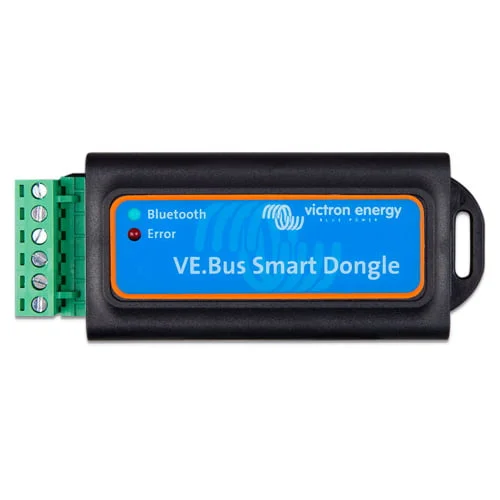
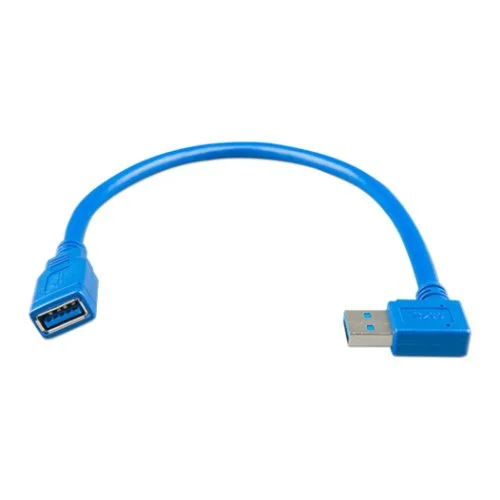
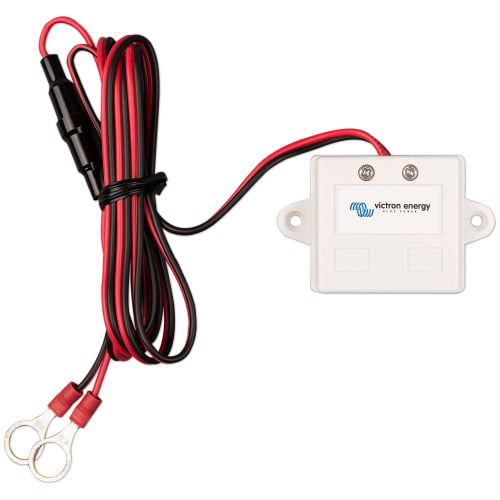
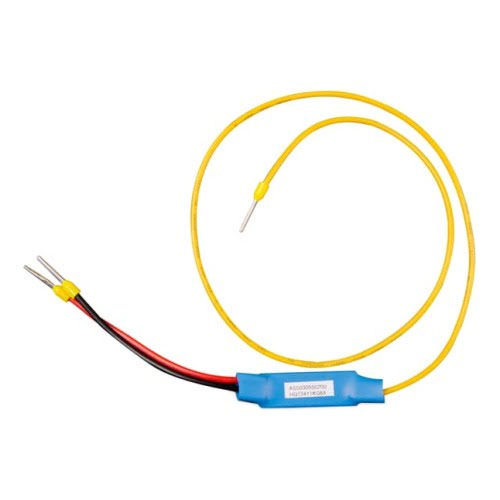
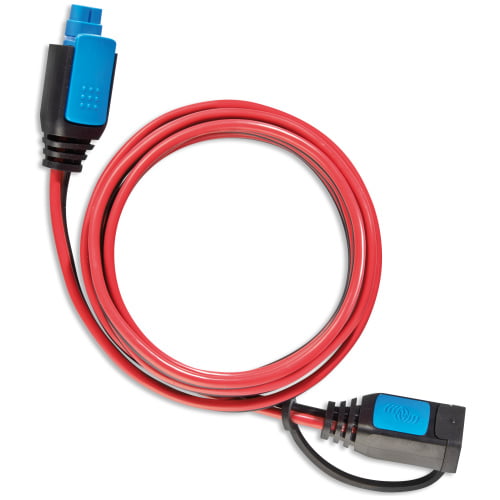
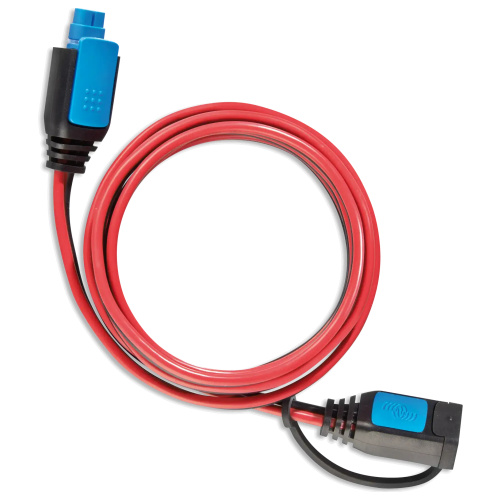
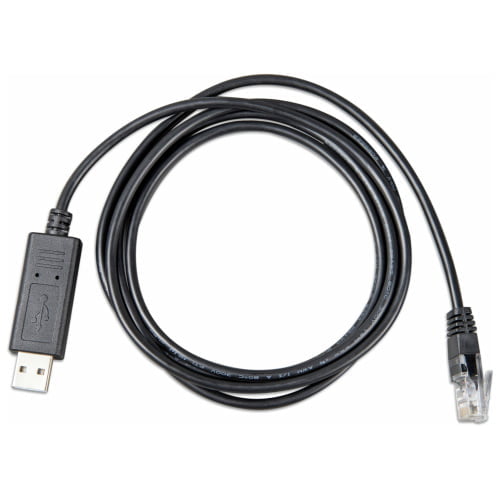
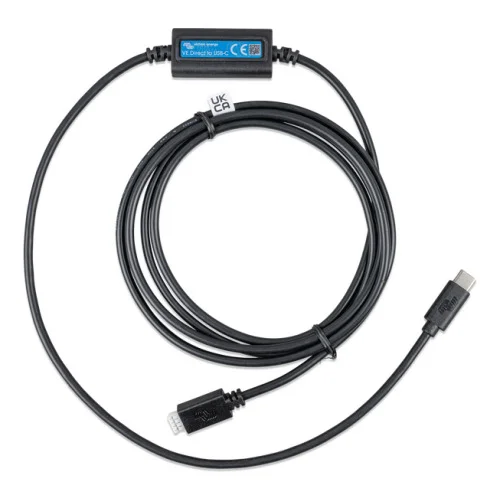
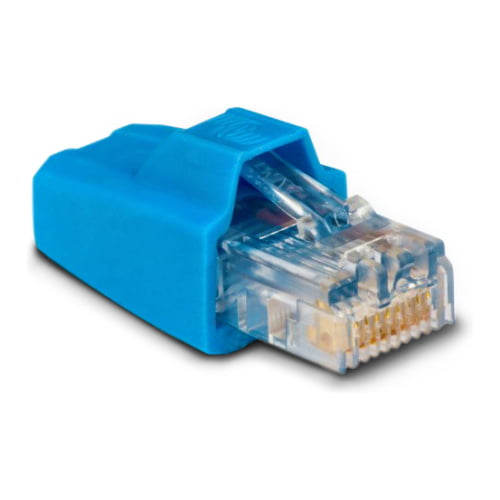
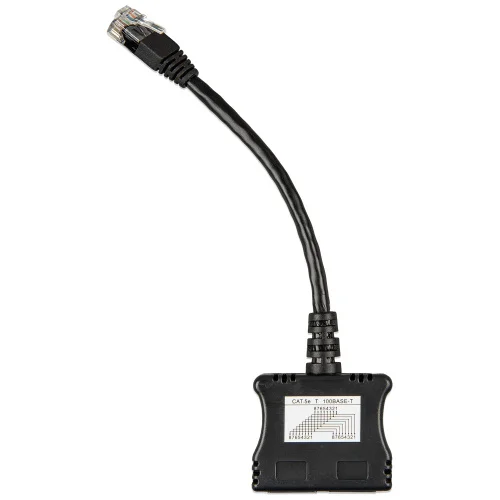
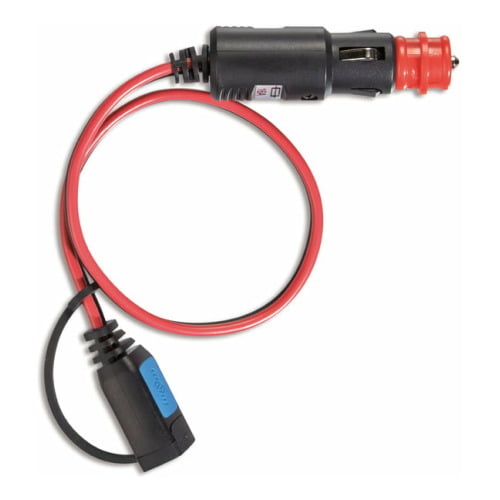
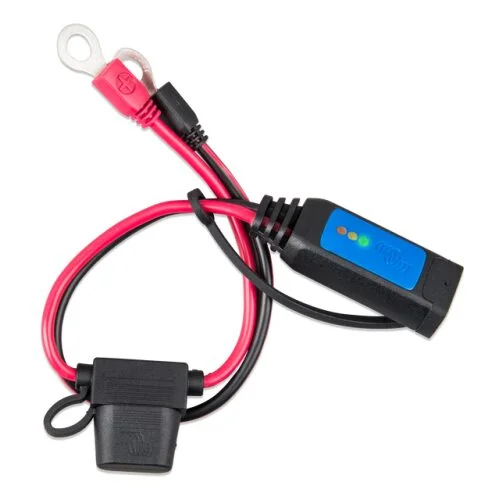
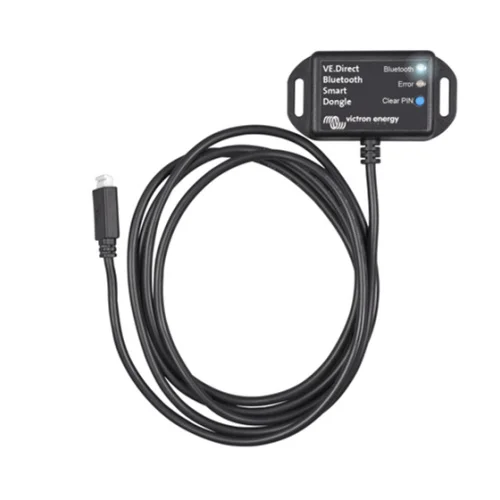
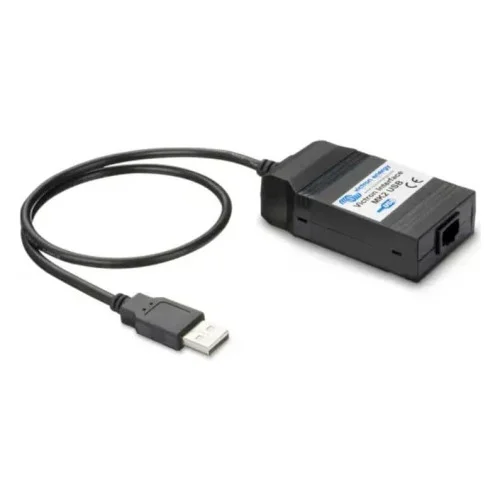
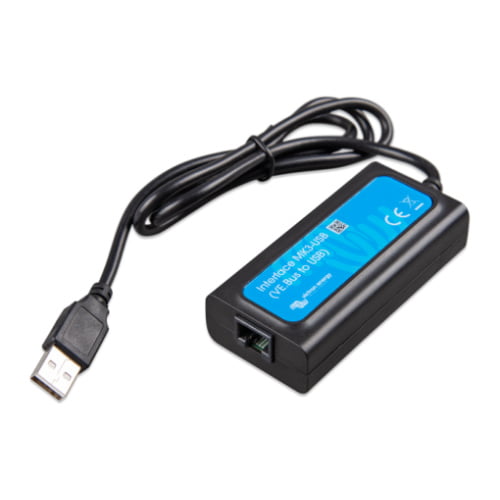
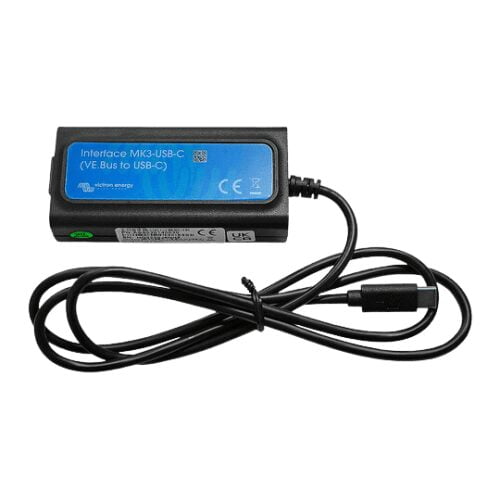
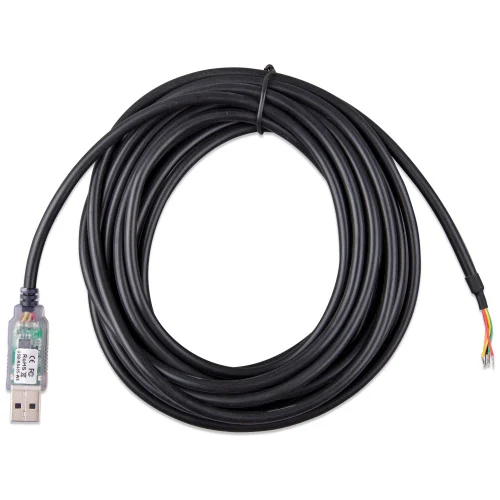
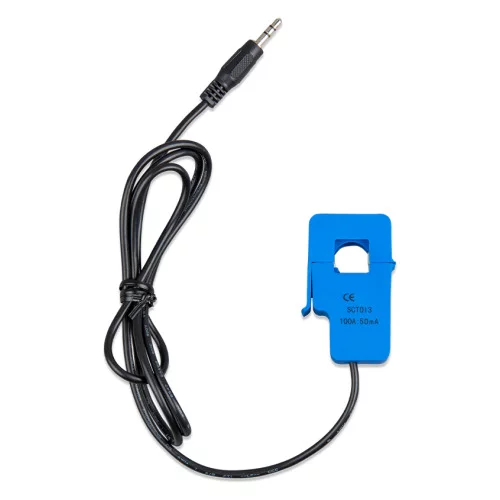
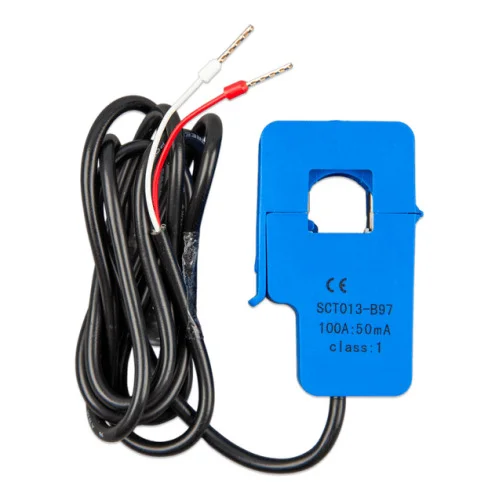
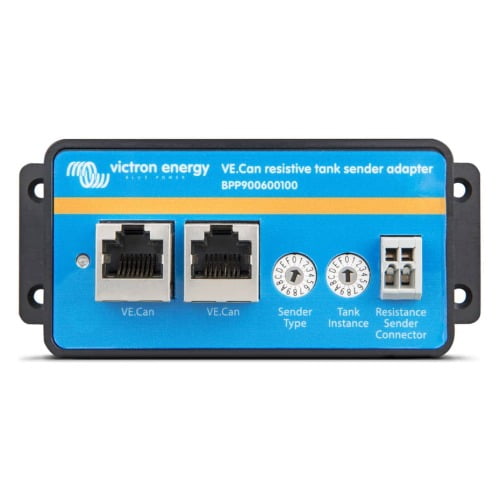
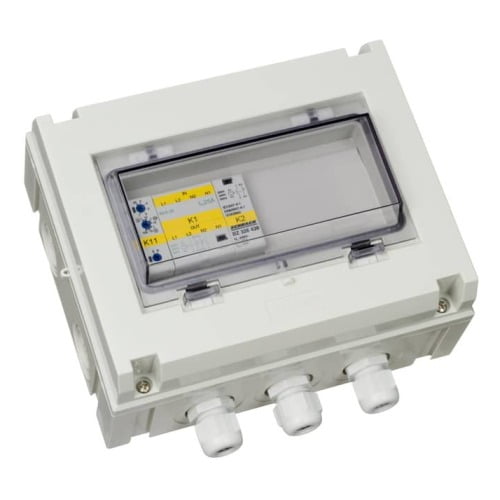
Cables and connection accessories Victron They form the backbone that holds a system together: communication between teams, auxiliary power, sensors and power distribution. Using the correct cable is not merely a matter of aesthetics, because in VE.Can, VE.Direct and VE.Bus the connector is the same RJ45 but the pinout isn't, and connecting them in parallel may damage the port.
What type of Victron cable do I need?
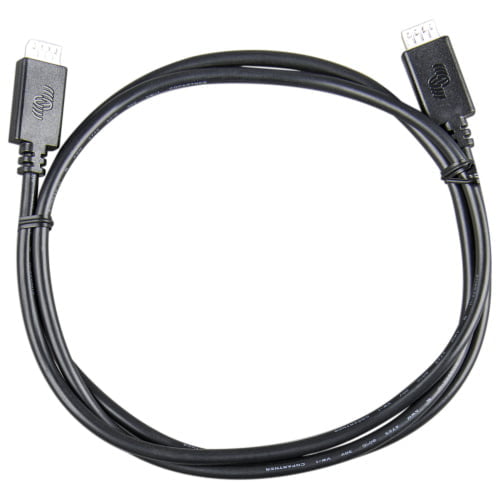
- VE.Direct: Point-to-point communication between a device —MPPT, SmartShunt, inverter— and a GX unit. One cable per device.
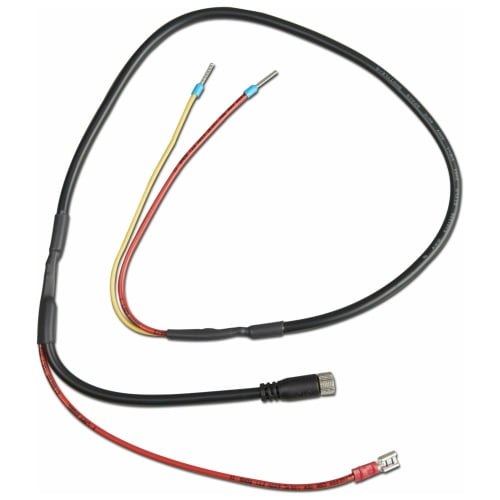
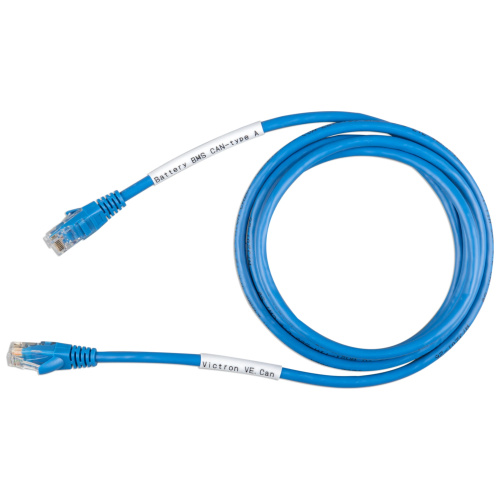
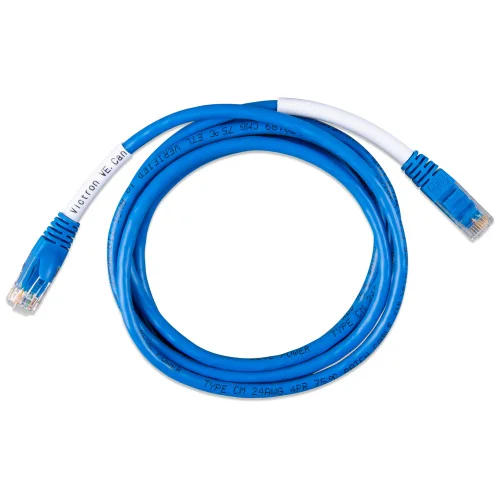
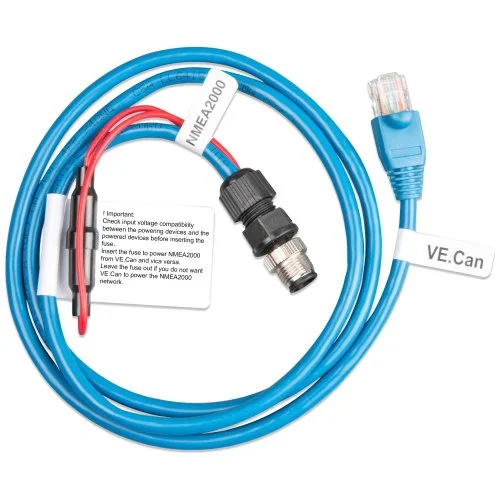
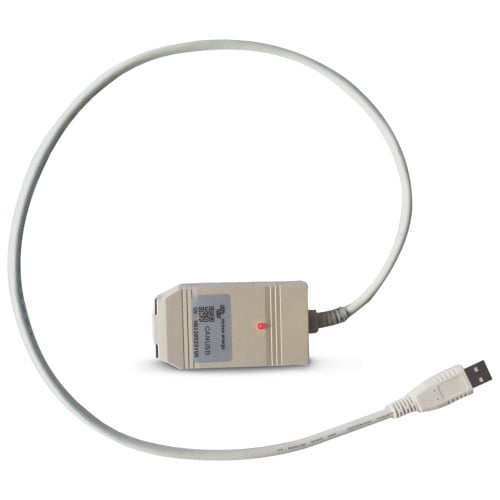
- VE.Can: A daisy-chained bus between several units, with terminators at each end. This also includes the VE.Can to CAN bus cables from BMS, which are available in Type A and Type B depending on the pinout used by the battery.
- VE.Bus: connection between the MultiPlus or Quattro inverters/chargers and between these and the control panel.
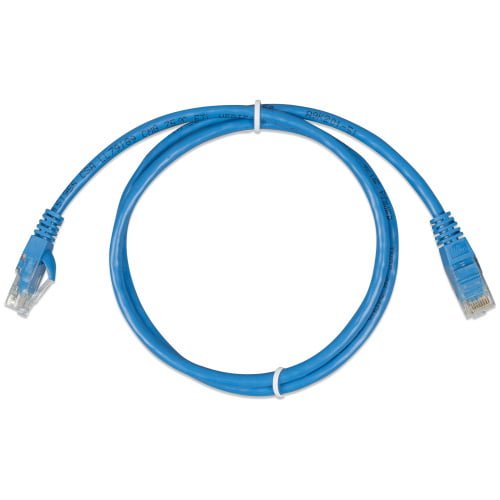
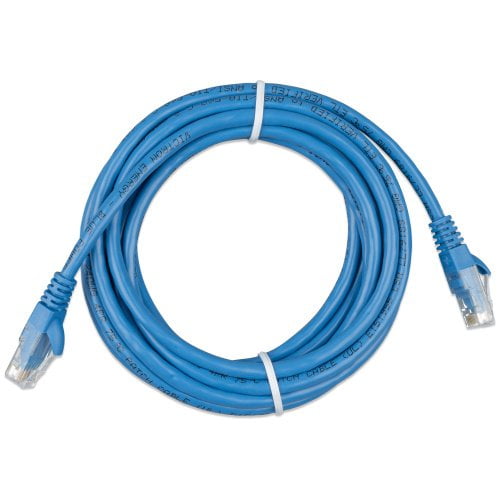
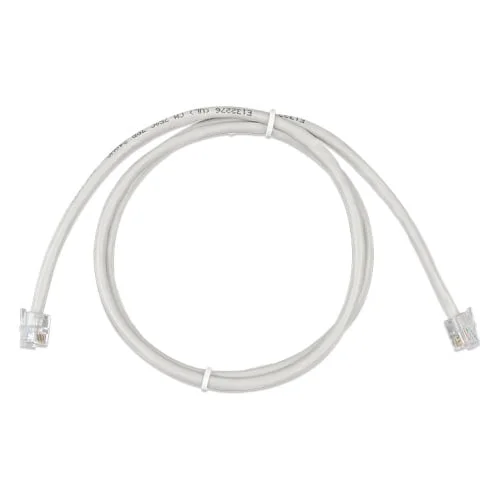
- RJ45 UTP: standard data cable for connections that do not require a specific shielded cable.
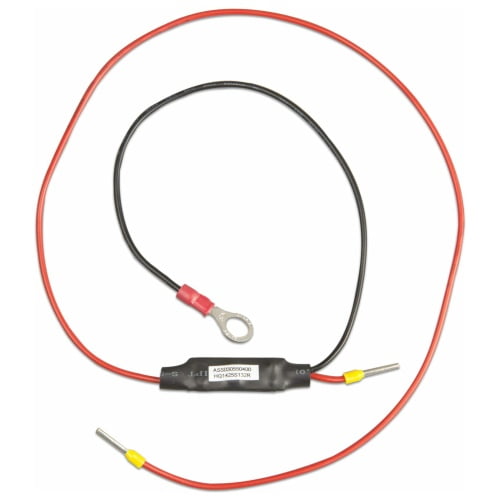
Why do I need a pre-charge cable?
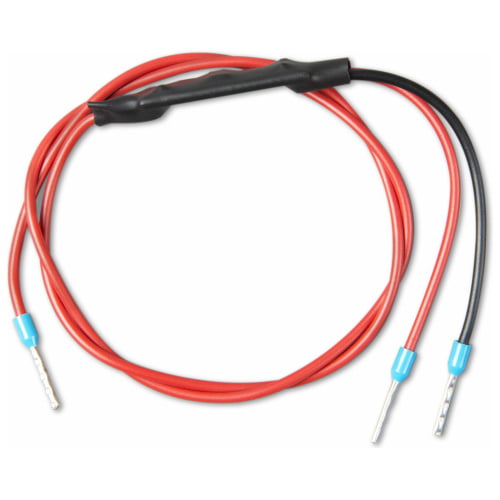
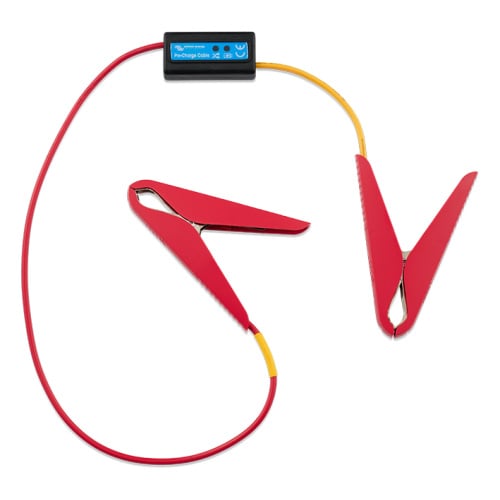
This is because when a large inverter is connected to the battery, the input capacitors are discharged and draw an enormous instantaneous current. This peak causes a spark at the terminal, damages the contacts and may even fuse the isolator.
The preload cable It introduces a resistor that limits that current for a few seconds, until the capacitors are charged. The final connection is then made without an arc. It is a two-euro accessory that prevents damage costing several hundred.
Are Type A and Type B BMS cables interchangeable?
No. Both connect the VE.Can port on a GX unit to the CAN bus of a lithium battery, but the pin order is different because each battery manufacturer wires theirs in their own way. Using the one that isn’t connected won’t cause any damage, but the battery and the system they do not communicate, and the symptom is that the system fails to recognise the battery and operates without the BMS’s charge limits.
Check your battery’s manual before ordering the cable, or ask us and we’ll check it for you. Do you also need power cable o terminals? You can find them in the electrical supplies section.