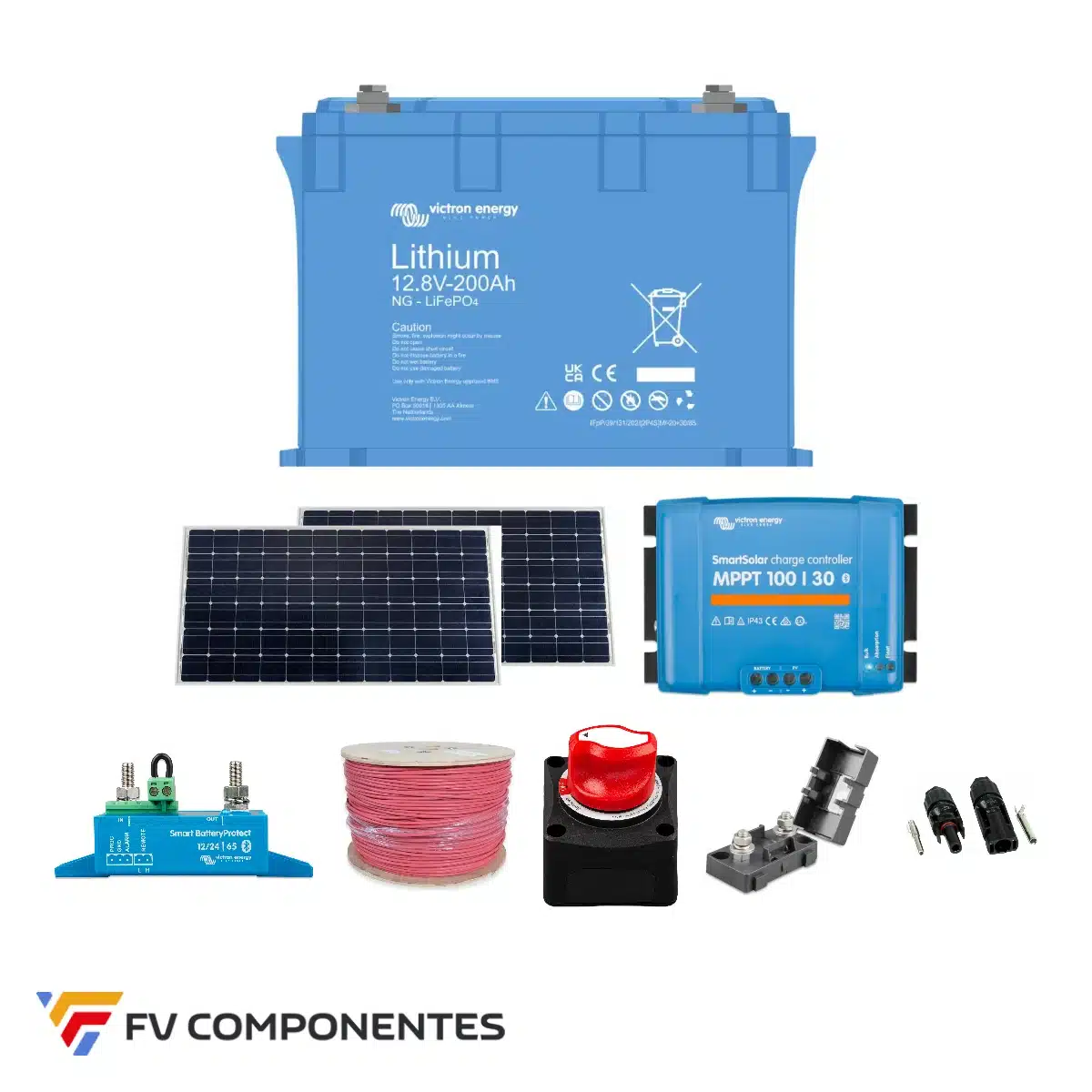
Quick answer: To configure a Victron or SmartShunt with a LiFePO4 lithium battery in the VictronConnect app, enter the battery capacity, set the unloading limit at 5%, the Peukert’s exponent set to 1.05 and the tail current in the 4% capacity. With lead, discharge limit 40-50% and Peukert 1.25. Below you’ll find the full video, the table of values and an explanation of each setting.
Note: At 8:41 in the video, «95%» is mentioned for lithium; the value to be set is 5%, because the setting refers to the minimum charge level, not the depth of discharge.
Recommended settings for configuring the SmartShunt
| Parameter (VictronConnect) | Lithium LiFePO4 | Lead (AGM/gel/open) | In the video |
|---|
| Battery capacity | Manufacturer’s capacity (Ah) | C20 capacity (Ah) | 7:46 |
| Charged battery voltage | According to the battery’s technical specifications | According to the battery’s technical specifications | 8:10 |
| Download limit | 5% | 40-50% (Victron: 50%) | 8:39 |
| Tail current | 4% of capacity | 4% of capacity | 8:59 |
| Peukert exponent | 1,05 | 1,25 | 9:51 |
| Load efficiency factor | 95% (for guidance only) | 95% (for guidance only) | 10:30 |
| Current threshold | 0.1 A | 0.1 A | 10:57 |
| Average battery life | 3 mins (campervan) | 3 mins (campervan) | 11:10 |
| SOC on restart | Maintain SOC | Maintain SOC | 11:32 |
Why you need a shunt (and why voltage can be misleading)
Voltage is the most misleading indicator in a battery system: a lithium battery may be around 20% charged and read 13.1 V when idle. Without a shunt, you won’t know how much energy you’ve used or how much you have left; you won’t be able to diagnose whether the panel, the regulator or the wiring is faulty; and you won’t be able to plan your range (watch the video).
A shunt is a very low-value resistor connected to the negative terminal of the battery. By measuring the voltage drop caused by the current, it calculates the amperes flowing in and out at any given moment. The Victron SmartShunt It incorporates that module, features Bluetooth and communicates with the rest of the system via VE.Direct; it has no display and is managed via the VictronConnect app. It is available in an IP21 version and in a IP65 for damp or marine environments.
How to choose the size: 300A, 500A or 1000A
The rule isn’t «the bigger, the better»: you have to choose the right shunt the smallest size that will accommodate your installation, because every shunt has a reading error of approximately 0.4% of its scale (1.2 A on a 300 A shunt, 4 A on a 1000 A shunt), and that error accumulates over the course of the day.
- Add up the maximum current of the devices that upload the battery (MPPT, chargers, boosters).
- Add up the maximum current of the devices that download (inverter, 12/24/48 V power consumption).
- Take the highest value and choose the next model up.
Example: At 12 V, a 3000 W inverter draws around 250 A and an MPPT charges at 80 A. The higher figure is 250 A, so the correct model is the SmartShunt 300A, it doesn’t matter whether the battery pack is 200 Ah or 1,000 Ah (watch the video).
Step-by-step setup in VictronConnect
Open VictronConnect with Bluetooth enabled, select the SmartShunt and enter its PIN (each Victron unit has its own PIN). On the main screen, you will see status, history and trends. To configure it, tap the settings wheel and go to Battery (7:37).
- Battery capacity: for lithium batteries, the capacity specified by the manufacturer; for lead-acid batteries, the C20 capacity.
- Charged battery voltage: Check your battery’s technical specifications.
- Direction of the current: allows the polarity to be reversed if the shunt has been fitted the wrong way round.
- Download limit: minimum charge level. Lithium 5%; lead 40-50%.
- Tail current: Below this current, the SmartShunt interprets this to mean that the battery can no longer hold a charge (4% of its capacity).
- Time taken to detect a fully charged battery: minimum time with load voltage and current below the tail current to mark the 100%.
- Peukert exponent: 1.05 for lithium and 1.25 for lead.
- Load efficiency factor: the portion of the input that the battery stores (e.g. 95%).
- Current threshold: It does not measure below this value; leave it set at 0.1 A.
- Average remaining battery life: 3 minutes is suitable for campervans and small facilities.
- Battery SOC on reboot: «Maintain SOC»; «Set to 100%» only if the battery remains in a charger when disconnected.
- Calibrate zero current: With everything switched off, if it reads anything other than 0 A, calibrate it (12:54).
Alarms, operating mode, auxiliary input and VE.Smart network
Alarms (13:15): due to low charge status, low or high voltage, and starter battery voltage.
Battery monitor mode or DC meter mode (14:01): In installations of a certain size, it is advisable to use a second SmartShunt as a direct current meter for the loads. If your lithium battery’s BMS limits the charge to 20 A and you have 20 A of load at 12 V, without a meter the charger will not know that it must also supply that current, and the battery will receive hardly any charge.
Auxiliary input (15:41): starter battery, mid-point on 24 V battery banks or temperature sensor on lead-acid batteries.
VE.Smart Network (16:33): it shares the voltage and current measured by the SmartShunt with the MPPT via Bluetooth, enabling the MPPT to compensate for the voltage drop in the cable leading to the battery.
Frequently asked questions
What discharge limit should be set on the SmartShunt when using a lithium battery?
5%. The discharge limit is the minimum state of charge (SOC) to which you allow the battery to discharge, not the depth of discharge. With a LiFePO4 battery, you can utilise up to 95% of its capacity, so the value to set is 5%.
And what about a lead-acid battery (AGM, gel or open-type)?
Between 40% and 50%. The Victron comes with 50% as standard. If you wish to enable unloading from the 60%, set it to 40%.
Which Peukert exponent should I use?
1.05 for lithium batteries and 1.25 for lead-acid batteries.
Which type of tail current should I use?
Around 4% of the battery’s capacity. For example, 8 A in a 200 Ah battery.
Which SmartShunt rating do I need: 300A, 500A or 1000A?
The smallest one that can handle the maximum current of your installation. Add up the maximum current of the load and discharge equipment separately, and choose the model immediately above the highest value. Example: 3000 W 12 V inverter (approx. 250 A) and 80 A MPPT → SmartShunt 300A. A smaller shunt has a lower reading error (approx. 0.4% of its scale).
Which option should I choose under «Battery SOC on reboot»?
«Keep SOC» in most cases. Select «Set to 100%» only if, when you disconnect the battery, you leave it on an external charger.
What is the purpose of a second SmartShunt as a DC counter?
To measure direct current consumption. This way, the charger knows that, in addition to the current the battery can handle, it must supply the current required for these loads – which is crucial if your lithium battery’s BMS limits the charging current.
Where to buy the Victron and SmartShunt
At FV Componentes, you’ll find all the models: SmartShunt 300A, SmartShunt 500A, SmartShunt 1000A, SmartShunt 2000A and the versions IP65. If you prefer a screen, the BMV-712 Smart.